Work with agents · GUIDE 13
Try a recurring job with human review
A recurring workflow can help with a job that happens again and again, such as reviewing incoming support requests. Start with a small job whose result a person can inspect.
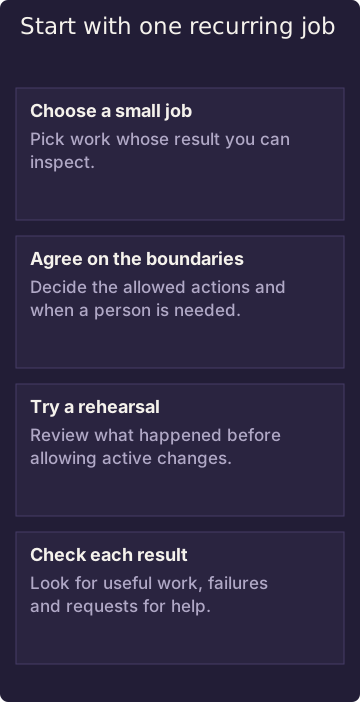
A rehearsal can still read information and incur processing costs. Approving the workflow is separate from activating changes.
Diagram in words: Choose a small job. Pick work whose result you can inspect. Agree on the boundaries. Decide the allowed actions and when a person is needed. Try a rehearsal. Review what happened before allowing active changes. Check each result. Look for useful work, failures and requests for help.
Start with the outcome
Describe what should happen, who should be asked when an exception appears, and what needs human review. Confirm that the actions needed for that work are actually available to your assistant. A description of an app or workflow does not mean it is installed or available to you.
Approval and going live are separate. A workflow may be approved but still waiting to be activated. Approval does not grant new access or authorize every real-world effect.
Try it carefully
Use a rehearsal first where the result can be reviewed. During a rehearsal, some reading steps may still run. That can involve real processing, network activity, or cost, even when changes are held back. A recorded rehearsal does not prove that the intended work succeeded.
Review what happened after each run. If the work needs information it cannot reach, a decision it cannot make, or an exception, involve the owner. A completed run does not prove that every part of the work was correct.
Related
Who can read and suggest changes? · Where your data goes and who controls it